➜ systemctl status printer-streamer
3D Printer Streamer
Unattended live streaming and timelapses for a Prusa CORE One, driven by print state.
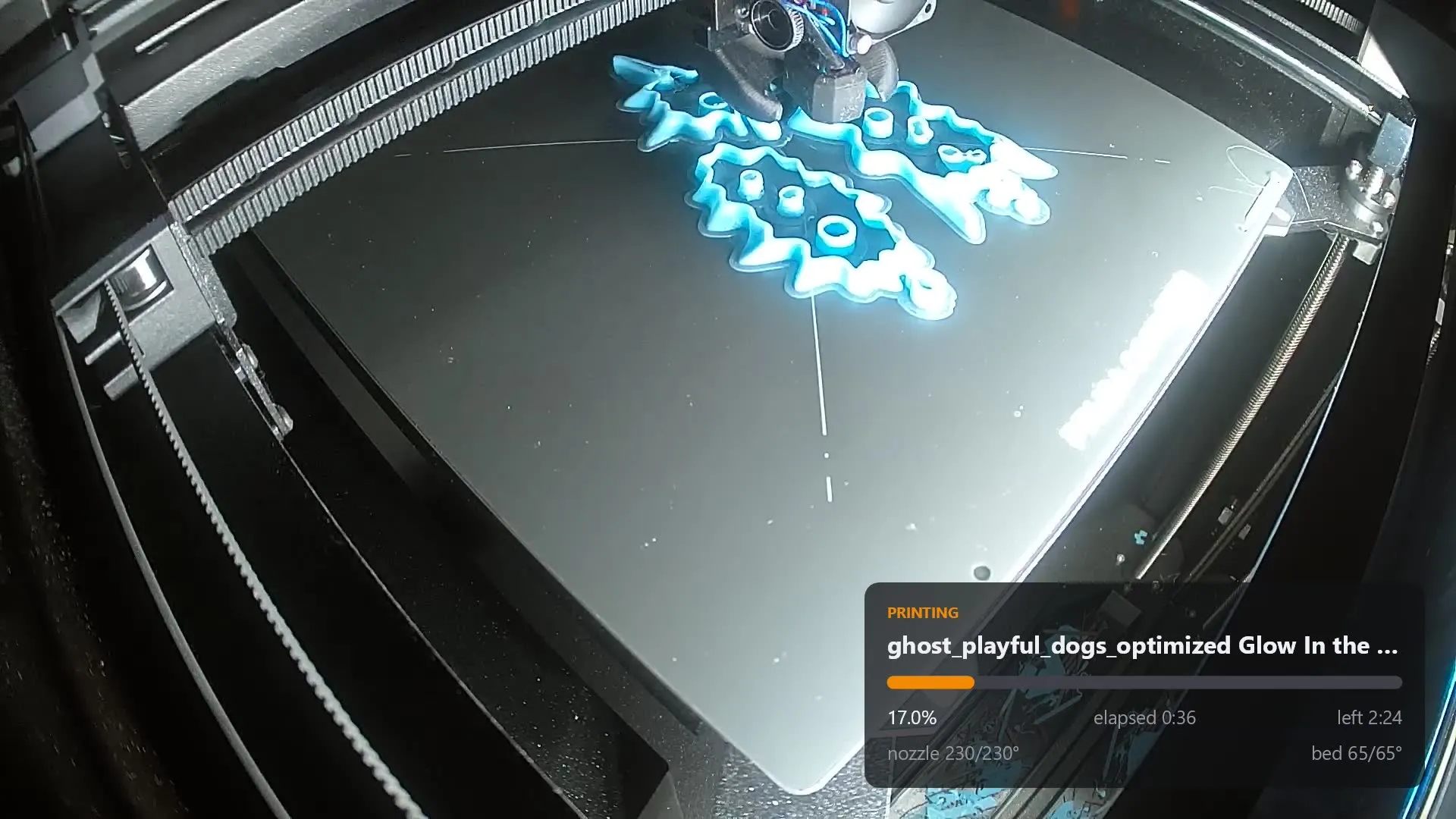
It watches the printer. When a print starts, it opens the camera, composites a live telemetry panel over the video, and pushes the result to YouTube. When the print ends, it stops on its own and uploads a timelapse. Nobody has to be at the machine for any of it.
How it fits together
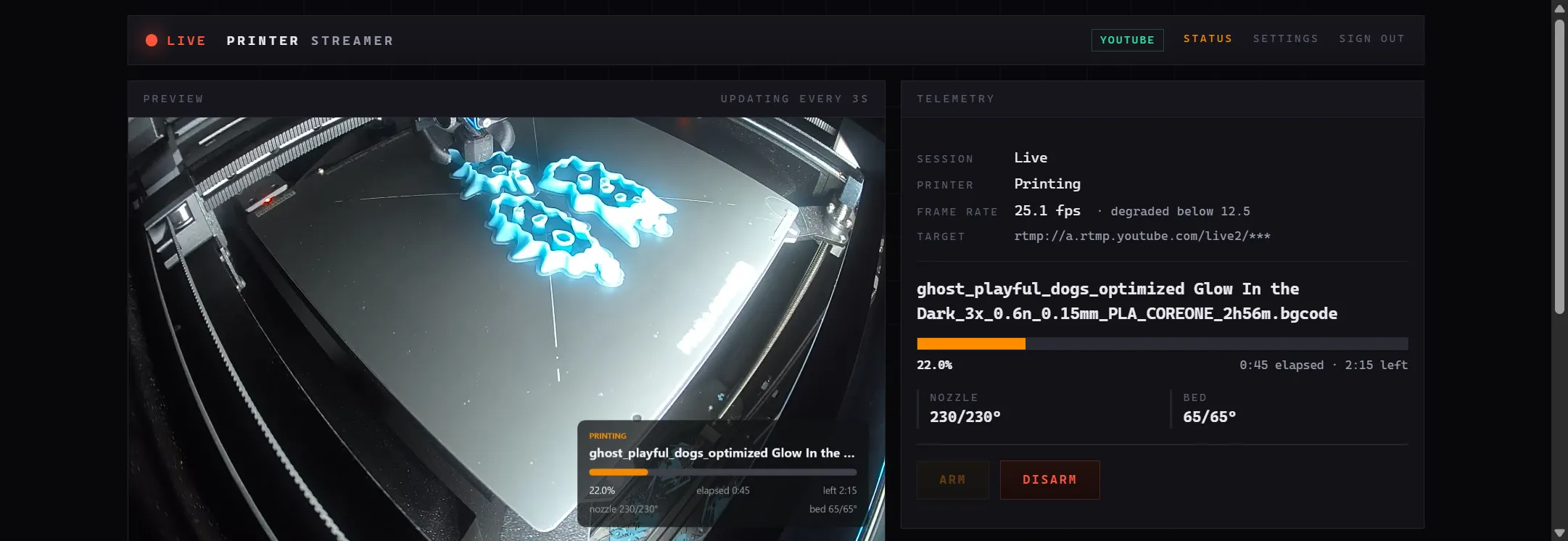
The control panel
The camera was never degrading
For five weeks the stream would collapse from a healthy 22 fps to somewhere between 2 and 8, in bursts split by multi-second freezes. The camera was suspected, then the wifi, then the bitrate. All three were wrong. The pipeline was strangling its own input.
ffmpeg's split=2 only advances when both branches accept a
frame. One branch fed the encoder; the other wrote preview.jpg to disk
every three seconds. Every slow write stalled the split — and a stalled graph
stops draining the RTSP socket, so TCP backpressures the camera, and the camera
drops the frames it can no longer buffer. The corrupt frames in the logs were holes
we were punching ourselves.
Bisected against the live camera, five minutes per arm, one variable at a time:
| Arm | fps | gaps >2s | stderr |
|---|---|---|---|
| -c copy, no processing at all | 22.75 | 0 | 0 |
| + full decode and re-encode at 5000k | 22.30 | 0 | 1 |
| + overlay input and filter graph | 22.68 | 0 | 7 |
| + split, fps=1/3, MJPEG encode to null | 22.29 | 0 | 4 |
| + write the JPEG to disk | 17.58 | 12 | 163 |
| write via atomic_writing | 20.10 | 6 | 61 |
| write via the fifo muxer (the fix) | 22.33 | 1 | 11 |
Writing the JPEG through ffmpeg's fifo muxer decouples the branch from
the graph and the symptom disappears. A 7h29m soak afterwards held 22.73 fps with
zero gaps. It has run at 1080p and 5000 kbps ever since.
That result also decided the timelapse design. The obvious approach — branch
the filter graph for timelapse frames — is the same construct that broke the
stream twice. So the timelapse samples the preview.jpg that already
exists on disk, which costs the pipeline nothing.
Other decisions worth the time
-
RTSP, not WebRTC
WebRTC is the mobile app's transport and is undocumented, and it would still need decoding and re-encoding to reach YouTube. RTSP is documented, stable, and costs the same round trip.
-
The core references nothing
The session state machine depends on no I/O, no clock and no ffmpeg. That one constraint is what makes all thirty of its transitions testable without a printer plugged in.
-
A finished print is not just
FINISHEDPrusaLink can drop the job object on completion, so a vanished or changed job id across two consecutive polls counts as an ending too. The failure being guarded against is a stream that never stops.
-
An unreachable printer does not stop the broadcast
Losing telemetry is not losing the print. The overlay greys out and shows
stalewhile the video keeps going. A dropped stream, by contrast, reconnects with backoff capped at 30s so YouTube keeps one continuous video. -
A stall timeout, because of what failure looks like at 3am
Without one, an overnight failure broadcasts a motionless print bed until morning. When it fires, the app returns to armed, so clearing the fault produces a fresh stream on its own.
-
DPAPI at machine scope, deliberately
Secrets are encrypted at
LocalMachinerather thanCurrentUserscope. User scope would break the actual workflow — configure interactively, then install as a service running as LocalSystem — by silently failing to decrypt after the switch. The trade is that any local process on that box can decrypt the file, which is acceptable on a single-owner machine and would not be on a shared one. -
It can be tested with no hardware at all
A synthetic source swaps the camera for an ffmpeg test pattern, so arming produces a real recording and a live preview before the camera is even plugged in. The smoke test runs against the real ffmpeg binary — it is the only thing that proves the filter graph is valid.
What it does when things go wrong
| Situation | What happens |
|---|---|
| Print finishes | Streams 120s more, then stops |
| Print cancelled or errors | Streams 30s more, then stops |
| Print pauses or needs attention | Keeps streaming with a red badge. After 15 minutes, stops. |
| Printer unreachable | Keeps streaming. The overlay greys out and shows stale. |
| Stream drops | Reconnects with backoff capped at 30s, so YouTube continues the same video |
| Bad stream key | Faults immediately rather than retrying forever |
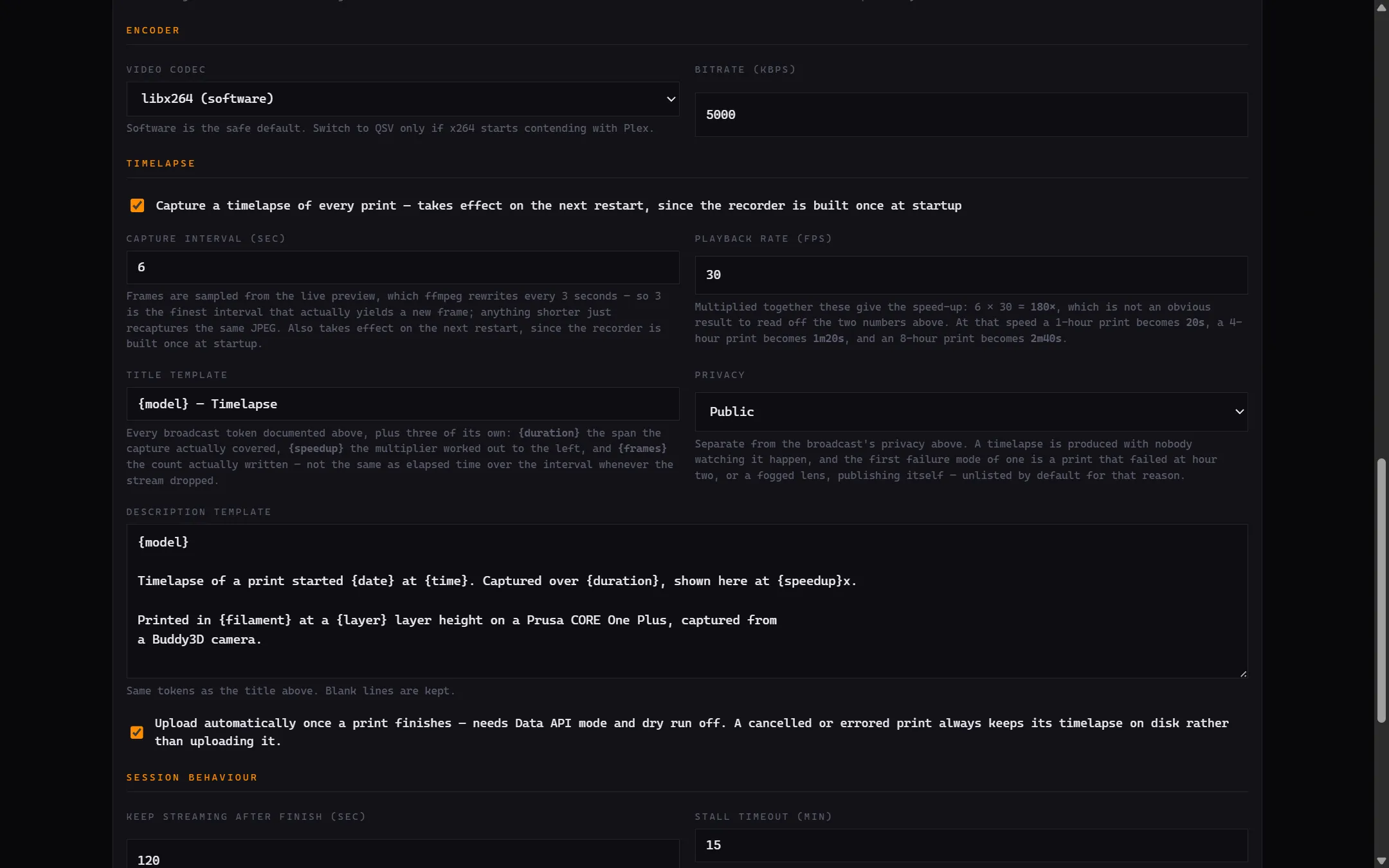
Settings
How it is built
| Project | Responsibility |
|---|---|
PrinterStreamer.Core | Session state machine and domain models. Pure logic, references nothing. |
PrinterStreamer.PrusaLink | Status polling and response mapping |
PrinterStreamer.Overlay | SkiaSharp panel rendering |
PrinterStreamer.Streaming | ffmpeg argument building, process supervision, broadcast targets |
PrinterStreamer.Host | Blazor UI, settings, secrets, composition root |
.NET 9 with a Blazor front end, SkiaSharp for the overlay, and ffmpeg doing the video work. It publishes self-contained, so the always-on box it runs on needs no .NET installed.
Watch a print
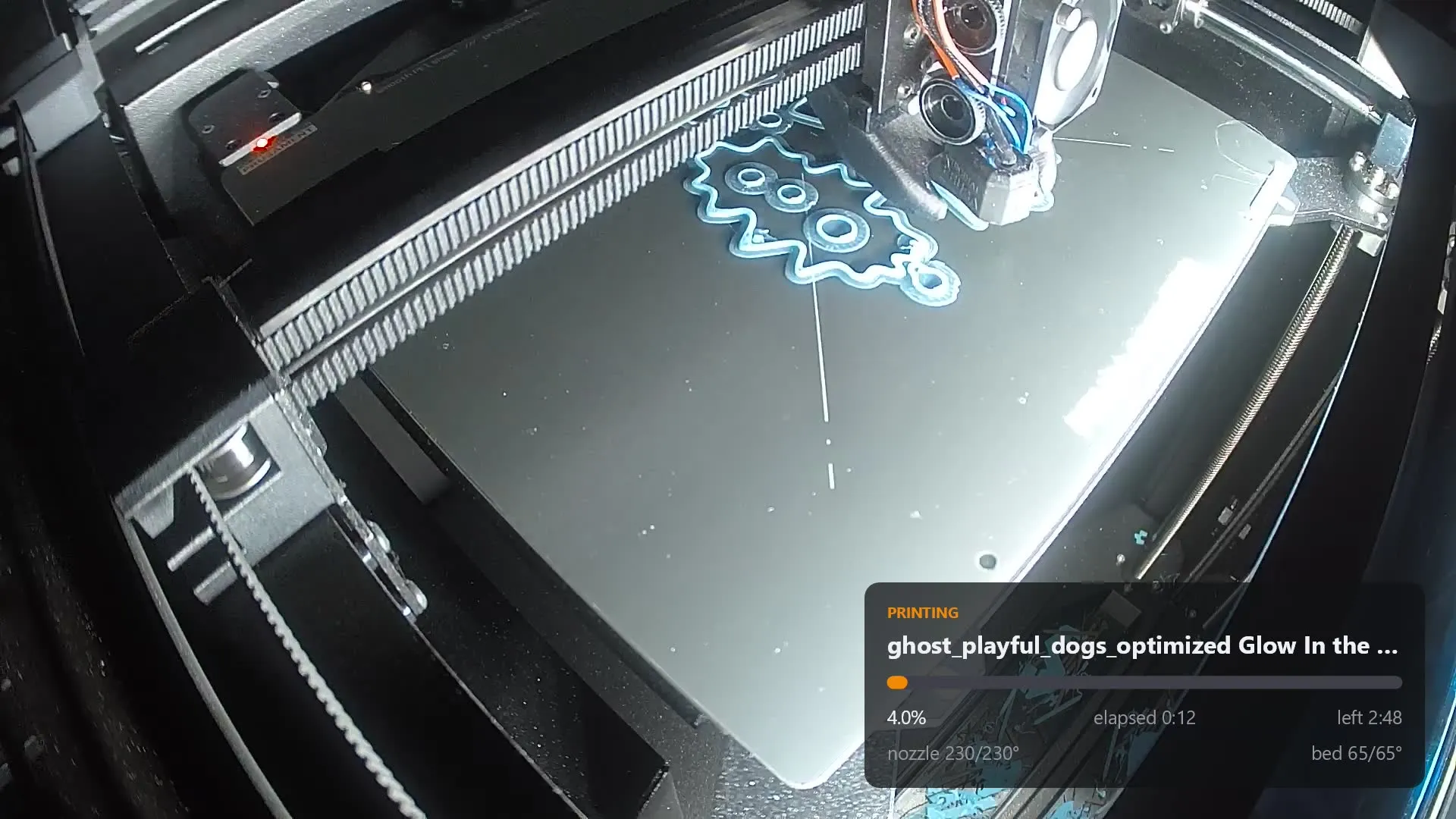
Every finished print is also uploaded as a timelapse, sped up 180× — an eight-hour print becomes about two and a half minutes. The channel is past a hundred of them now, every one posted without anybody being asked to do anything.
GhosT of Valen 3D Printing on YouTube ↗ · Back to current projects